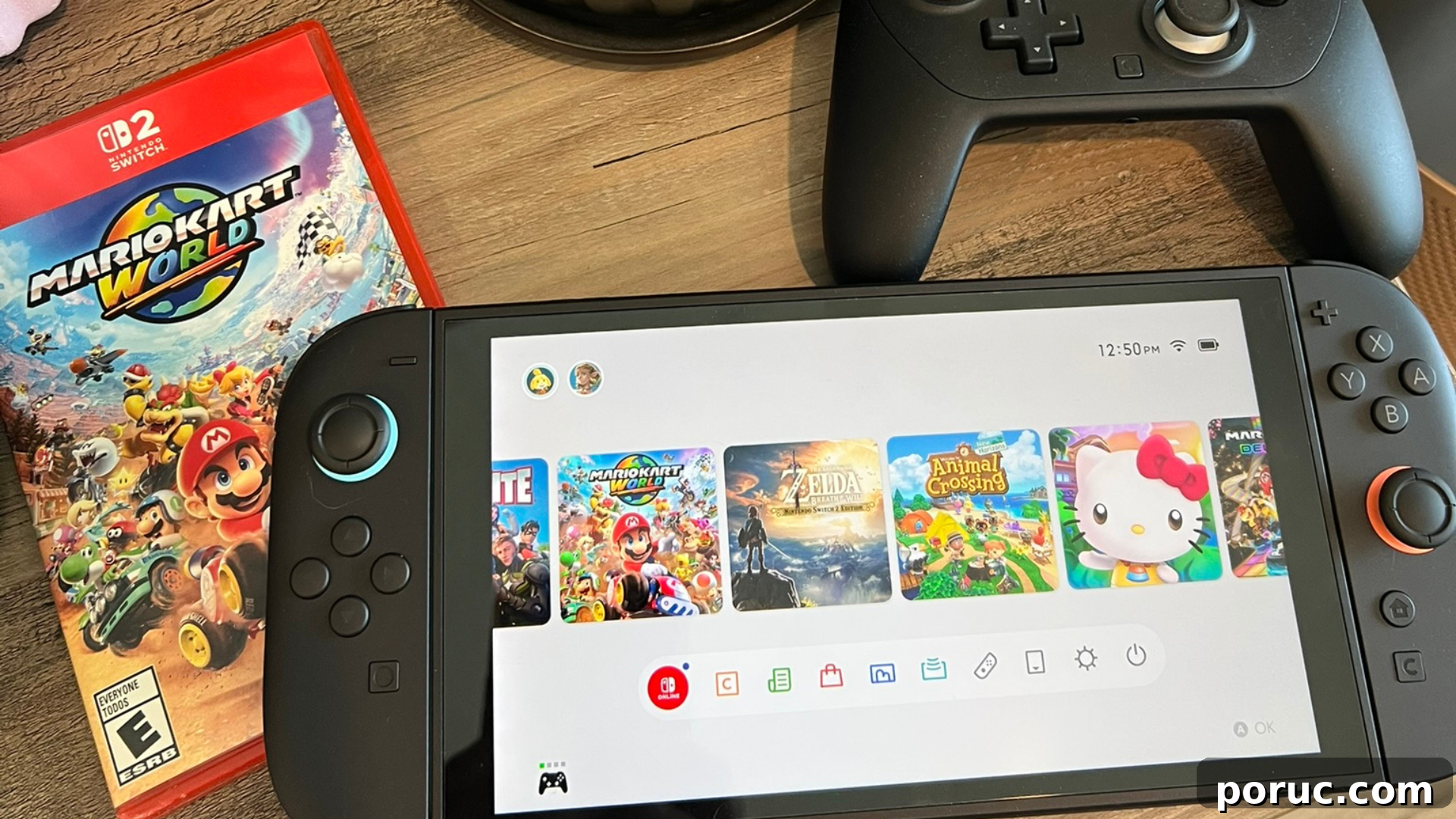
Please note that I received a Nintendo Switch 2 to facilitate this review. This has not impacted my review in any way. This post contains affiliate links.
I’ve been using the Nintendo Switch 2 for about a month now. If you’re someone who enjoys gaming but doesn’t obsess over specs, you may wonder whether it’s worth upgrading. After dozens of laps in Mario Kart World, revisiting favorite Switch titles, and sharing it with the family, here are my impressions after a few weeks of real use.
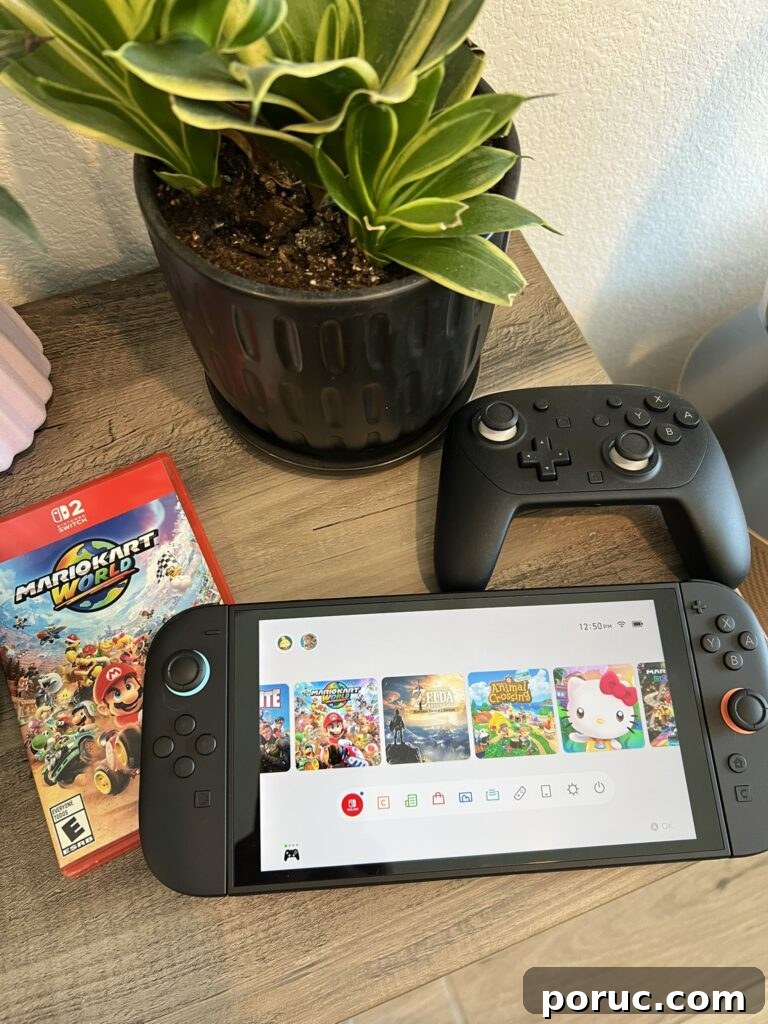
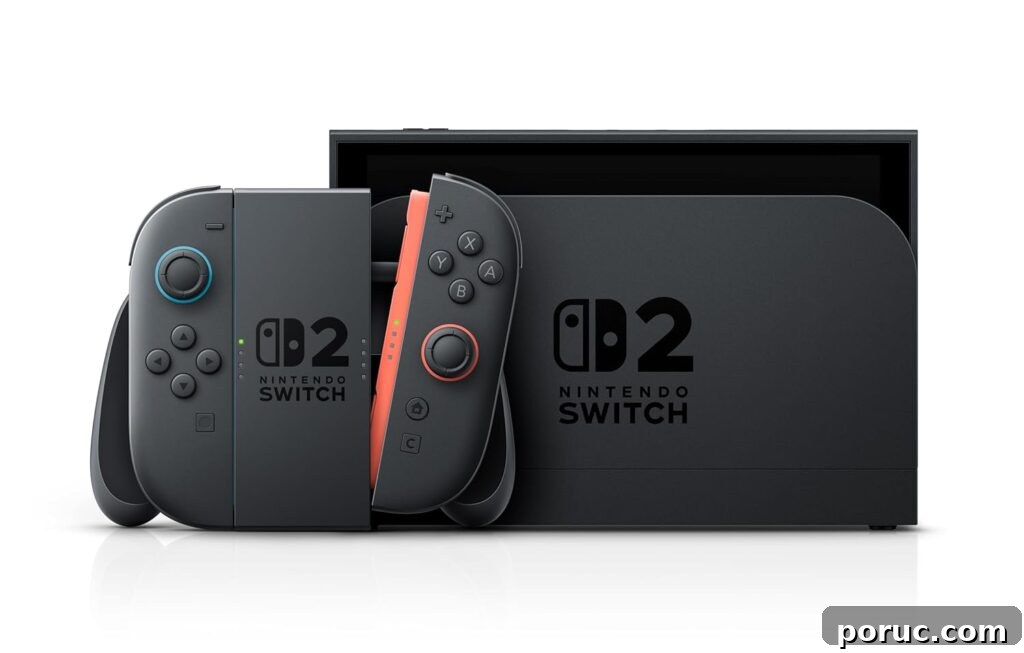
At first glance it feels like the same Switch I already knew—only significantly improved. The layout and feel are familiar, so there’s no relearning required; it’s unmistakably a Nintendo Switch. We’ve seen several iterations before—the original, OLED, and Lite—and each change was noticeable. With the Switch 2 the upgrades are more pronounced: build quality, screen, and performance all feel elevated.
Improved visuals are the most obvious upgrade. Whether handheld or docked, games look sharper, brighter, and more detailed. Colors are richer and environments feel more alive, making even older games feel refreshed. In Mario Kart World, the maps benefit noticeably from crisper textures and steadier frame rates, enhancing both immersion and gameplay clarity.
Another clear improvement is faster loading times. Titles that used to take quite a while—I’m looking at you, Animal Crossing: New Horizons—now load quickly, even on detailed islands. My kids tried Fortnite on the original Switch and were frustrated by lag; the Switch 2 runs it smoothly, and they’re back to playing regularly. Overall system responsiveness and game performance feel much more polished.
We’ve spent a lot of time with Mario Kart World (a Switch 2 exclusive—full review coming soon) and it’s been a blast. The enhanced haptics add satisfying feedback during races, which makes the experience feel more tactile and engaging. I usually play docked for the best visual experience during family races, but the handheld screen is visibly brighter and clearer than previous models.
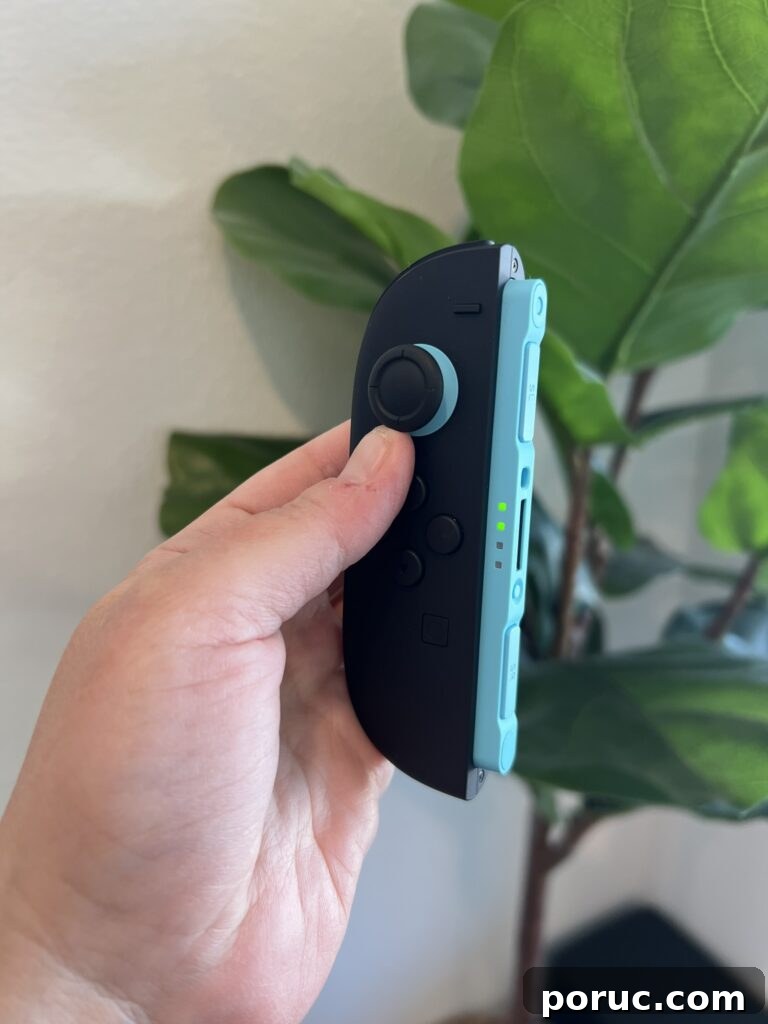
Accessory-wise, you don’t strictly need anything extra to get started. That said, an extra set of Joy-Cons is handy for group play, and an upgraded Pro Controller is nice if you prefer that feel. Carrying a case is advisable if you travel with the system, though the unit does include a built-in screen protector which helps.
If you’ve never owned a Switch, the Switch 2 is the best entry point: it supports upcoming titles designed for the new hardware while remaining compatible with most older games.
If you already own a Switch and play casually, an immediate upgrade isn’t mandatory. But if you value shorter load times, smoother performance, and access to new exclusives, upgrading sooner will pay off. For frequent players or households that share the system, the improvements are much more noticeable and worthwhile.
In short, the Switch 2 takes the core strengths of the original—portability, simple controls, and approachable games—and refines them. It’s faster, smoother, and more enjoyable to use. I’m excited to see which new titles take full advantage of the hardware and how developers push the system in the months ahead.
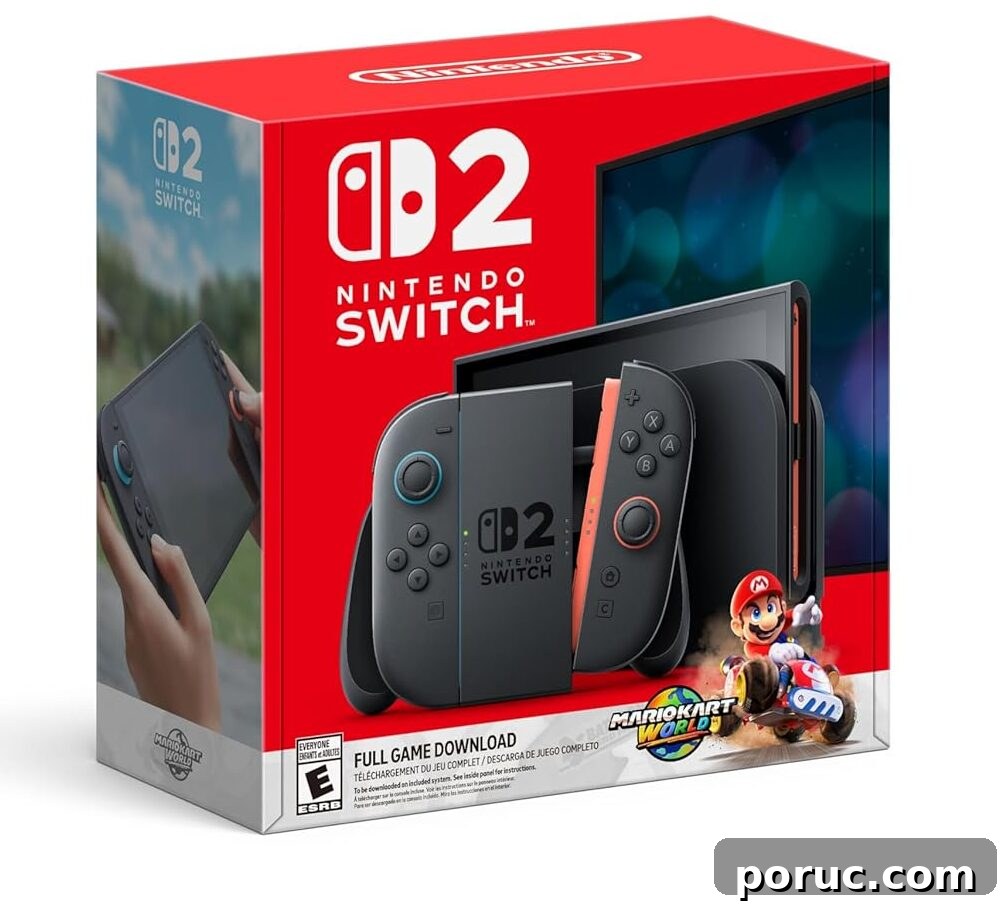
Where to buy:
When available, retailers typically stock the Switch 2 and bundle options during restocks. Consider extra Joy-Cons or a Pro Controller if you plan to play with others, and a protective case for travel.